 DeepWork
Download
DeepWork
Download
How many hours of deep work did you do today? Exactly.
I built this because my old tracker kept calling me idle while I was clearly working. DeepWork counts the minutes you spend in the apps and sites where real work happens, files them under the right project, and gives you one card to post. One number. You can explain every minute of it.
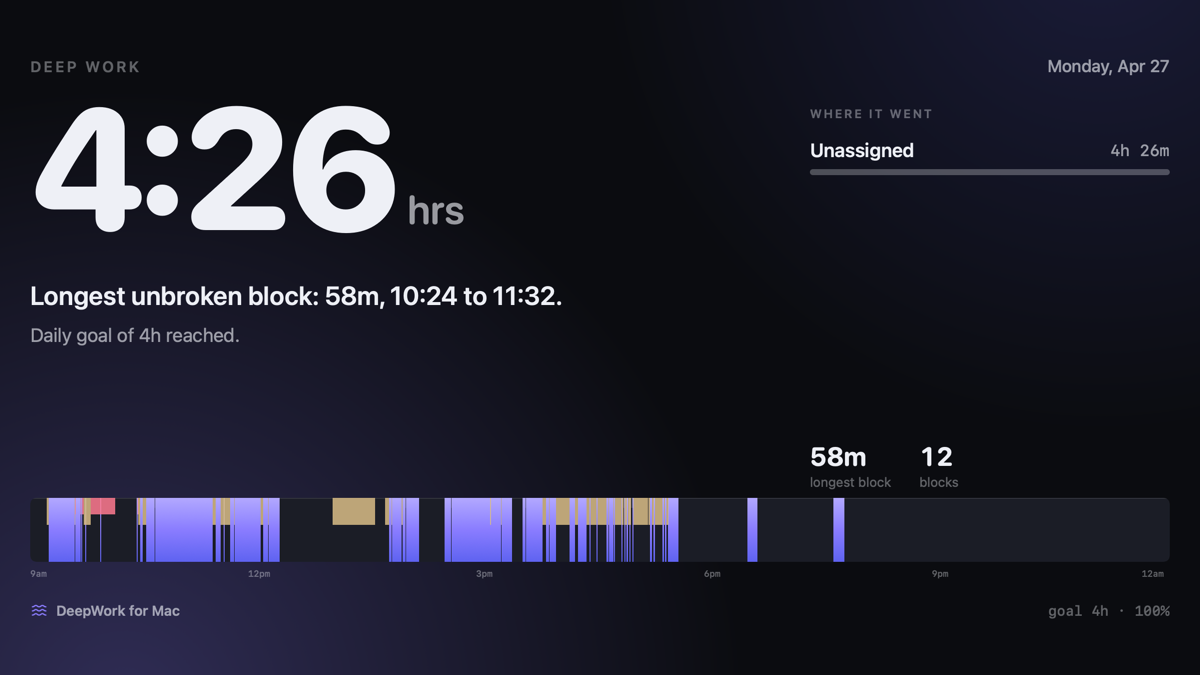
Deep work is time you are active in a place where deep work happens.
That is the whole rule. Every number in the app is a sum of the seconds that pass it. Nothing is scored, weighted or guessed.
Your IDE, your writing app, your design tool. On the web: GitHub, Notion, Google Docs, Figma, Claude. You decide the list; it starts with good defaults.
Mail, Slack, WhatsApp, calendar, calls. Necessary, not deep. Counted, shown, never added to the hero number.
YouTube, X, Instagram, Reddit. Sites are classified by where you are, not by the browser. youtube.com/studio can be deep while youtube.com is not.
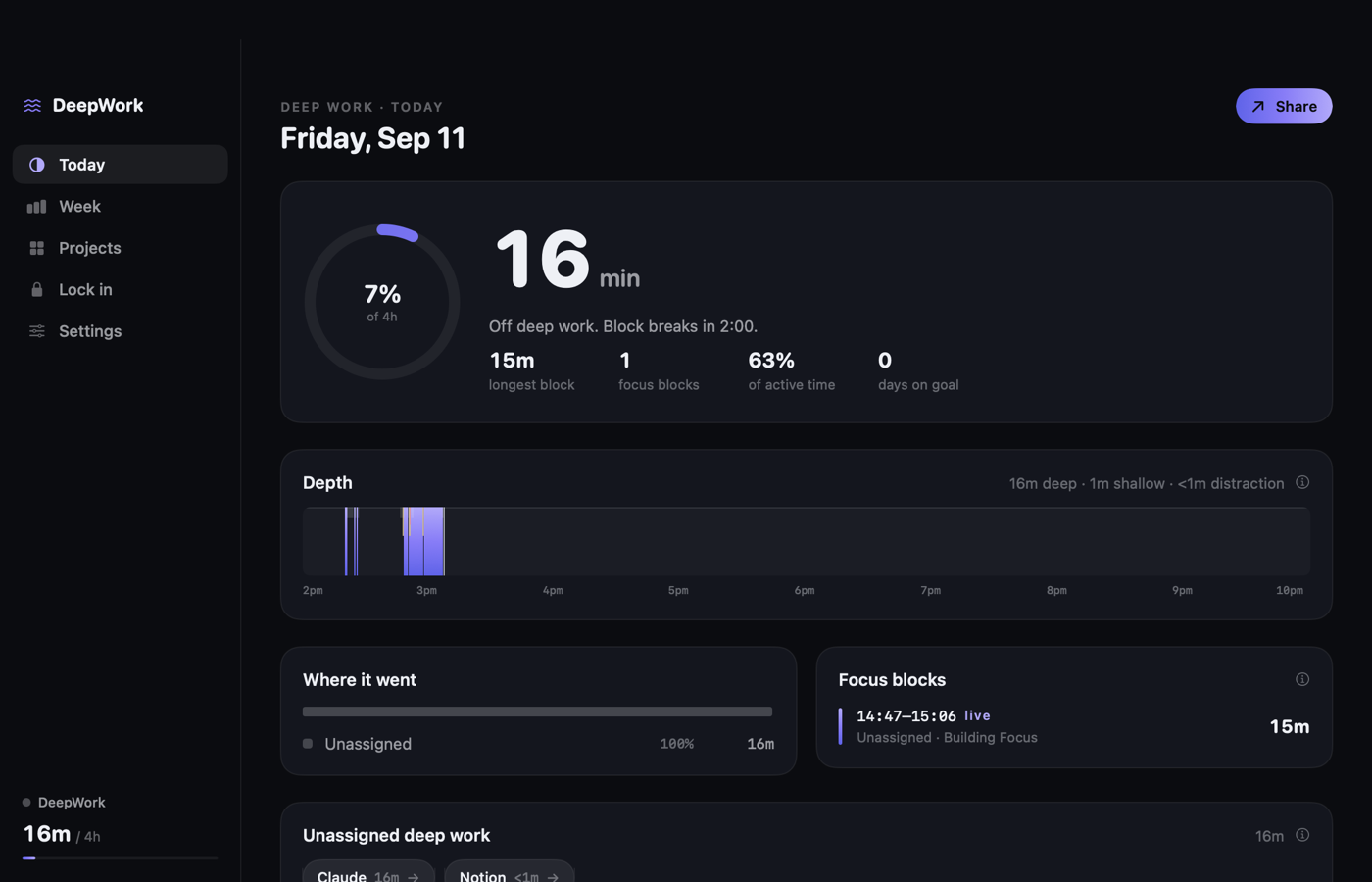
Where did the hours go? By project. By area.
A project is a rule. This folder, this site, this window title, this app. Time that matches nothing shows up as Unassigned. Click it, pick a project, done. It is fixed for today and for every day after.
- 01Folders and repos are recognized
Open a file inside a git repo and the repo name becomes the hint.
- 02Pin when you know better
Pick “Working on Typer AI” in the menu bar and everything counts toward it until you unpin or walk away.
- 03Areas add projects up
Business, Content, Client work. Ask “how much went to the business this week” and get a real answer.
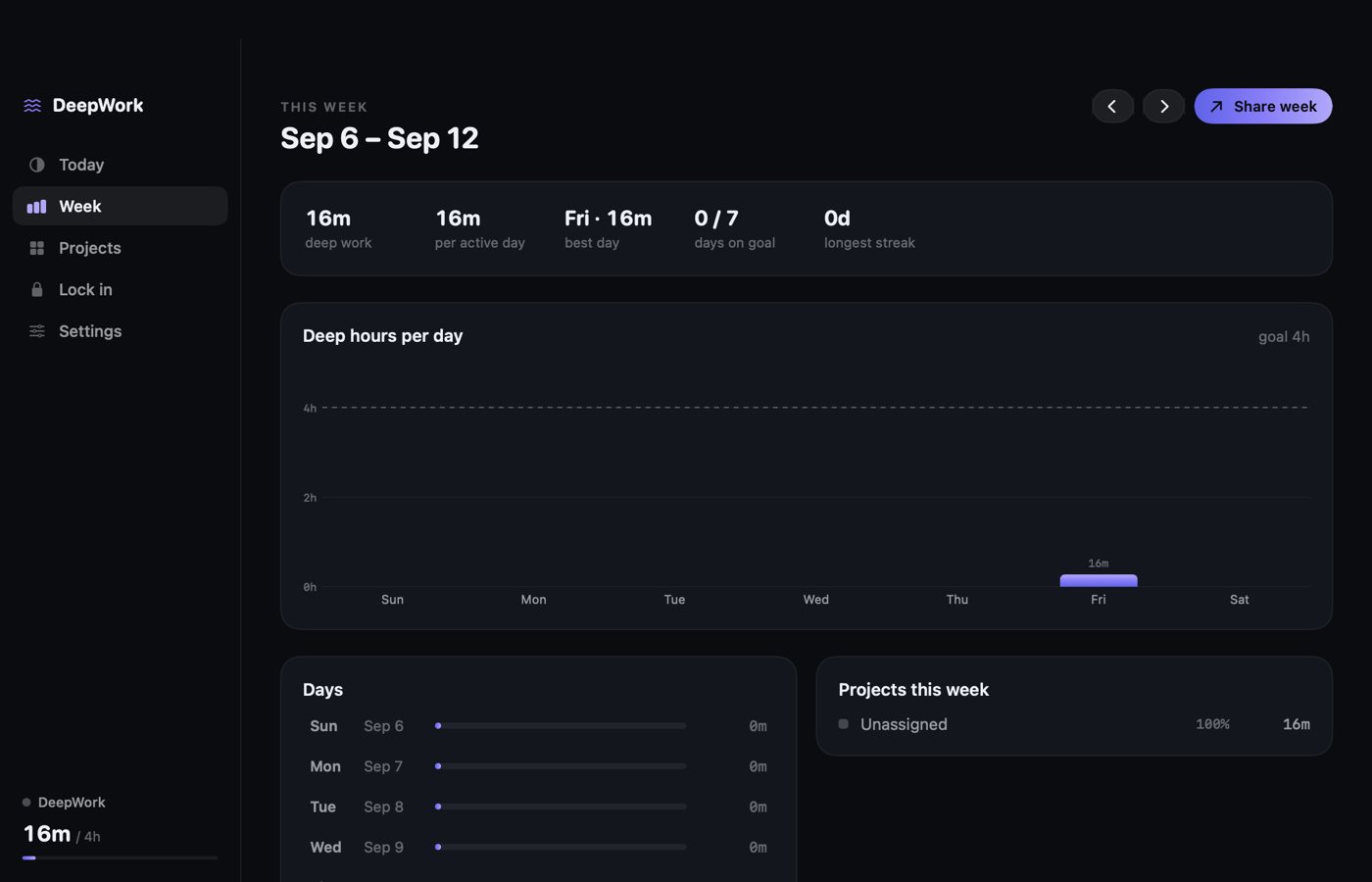
Most trackers guess. This one adds up.
Most trackers take a snapshot every 30 seconds and round. DeepWork stores time as start-to-end intervals. A total is a sum. There is no estimate anywhere in the app.
- 01Idle starts at your last keystroke
Walk away for six minutes and the clock stops at the moment you stopped. It does not wait to notice.
- 02Focus blocks are your unbroken stretches
A block survives a two-minute Slack check. It ends after a real break. You see your longest one every day.
- 03Every minute has a reason
The menu bar tells you why: “Deep: Xcode is a deep-work app.” Disagree? Change it in one click.
It never leaves your Mac. You can check.
A tracker that reads your window titles has to earn your trust. So the rules are short, and the code enforces them.
- 01Websites are a domain, nothing more
github.com, never the full URL, never the page title unless you turn it on.
- 02Private apps stay private
Password managers, Messages, Mail, WhatsApp, Slack: name and time only. Add any app to the list.
- 03No keystrokes, no screenshots, no network
The build fails if networking code is ever added. Run one Terminal command and see zero connections.
- 04Pause, expire, delete
Pause from the menu bar. Titles expire after 30 days. Delete everything in one click.
When you have to finish, wall everything else off.
Name the task. Pick the length. Pick the apps. Every other app is blocked until the timer ends. Leaving early means typing a long sentence on purpose. Hard to reach, but never trapped.
Download DeepWork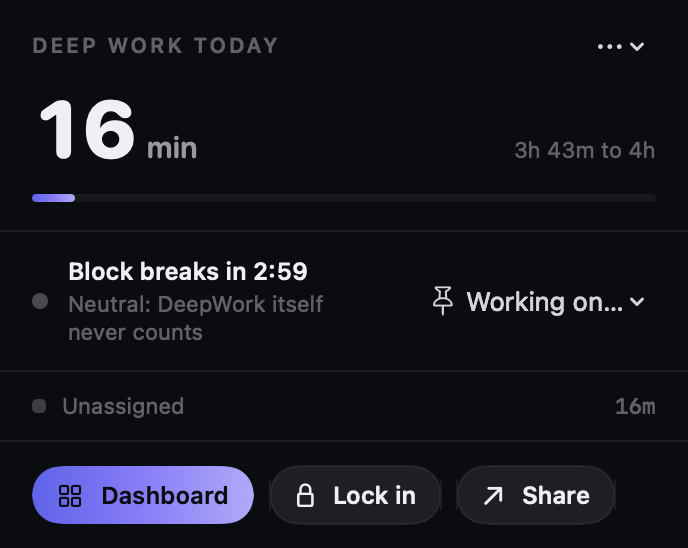
I run a company, build products and grow a YouTube channel. For months my tracker told me I was idle while I was clearly working. The numbers were wrong, so I stopped looking at them.
I wanted one number I could trust enough to post. Hours of deep work, by project, with the reason for every minute. That is the whole app. I use it every day.